
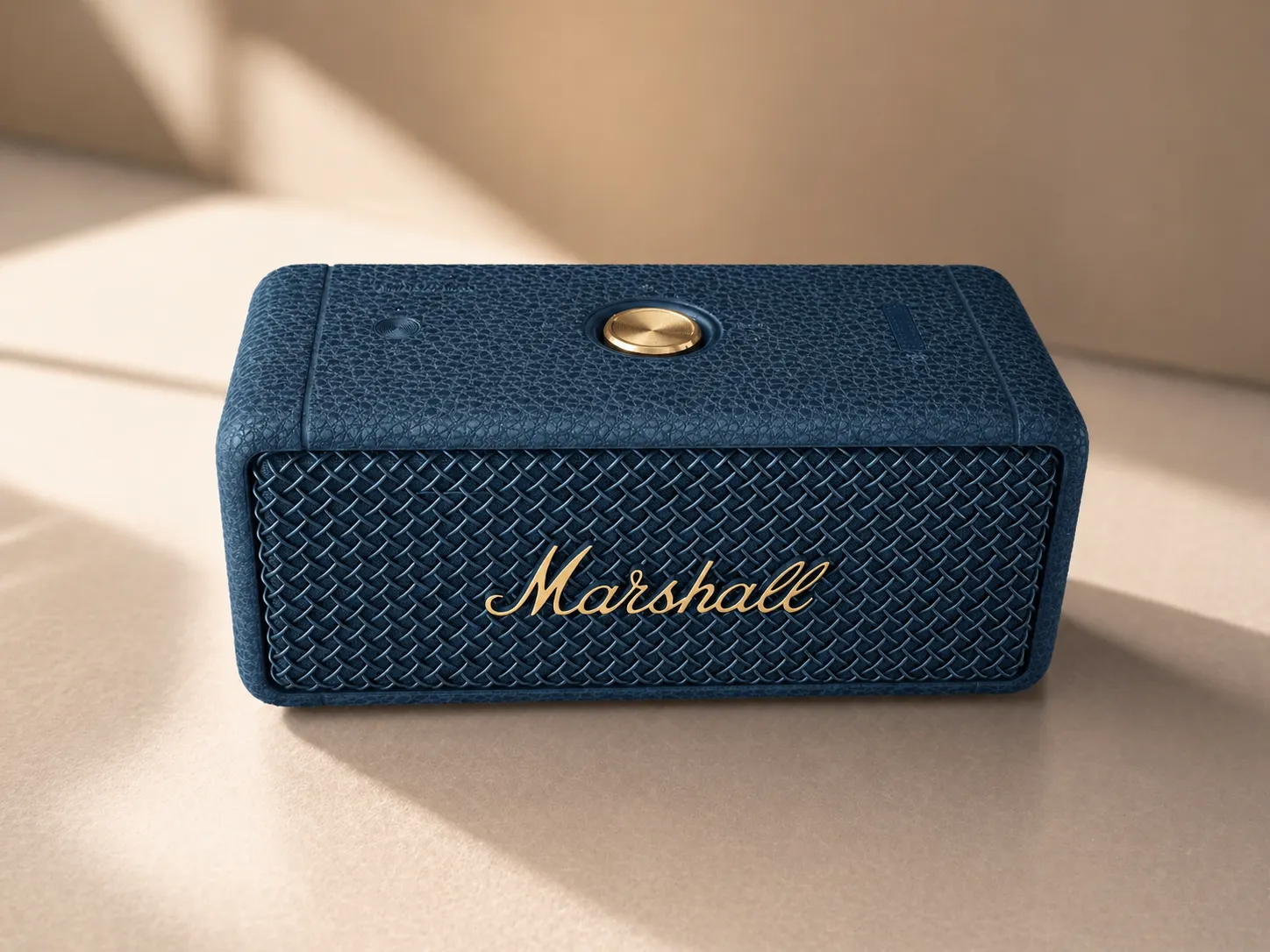
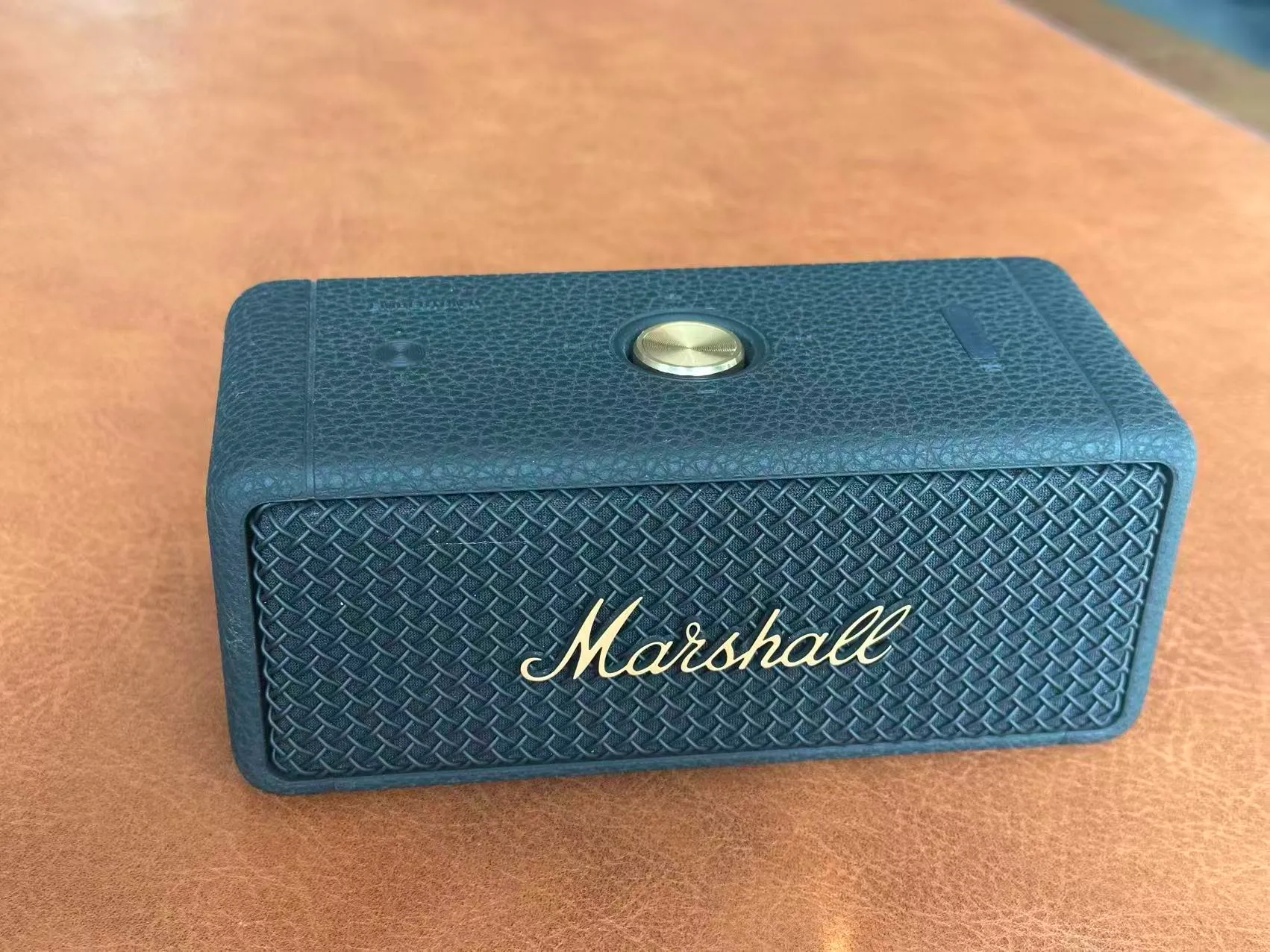
OriginalGenerated
Product hero images
Create cleaner storefront visuals for product pages, landing pages, and marketplace listings.
Upload one product photo and quickly generate product hero images, selling point visuals, and lifestyle scenes.
No need to write prompts from scratch or keep retrying inside a generic image tool.
Built for ecommerce operators, independent stores, and social content
Product Image Generator
Upload your source product photo
JPG / PNG / WEBP supported. Best with one clear product subject.
Preview
Waiting to generate
Example output
Switch between hero, selling point, and lifestyle modes on the left to preview the kind of result each mode is built for.
Hero image example
Turn a plain product photo into a cleaner commercial visual for storefront hero slots.
Start from one product photo and generate ecommerce-ready hero images, selling point visuals, lifestyle scenes, and more image types as the workflow expands.
Create cleaner storefront visuals for product pages, landing pages, and marketplace listings.
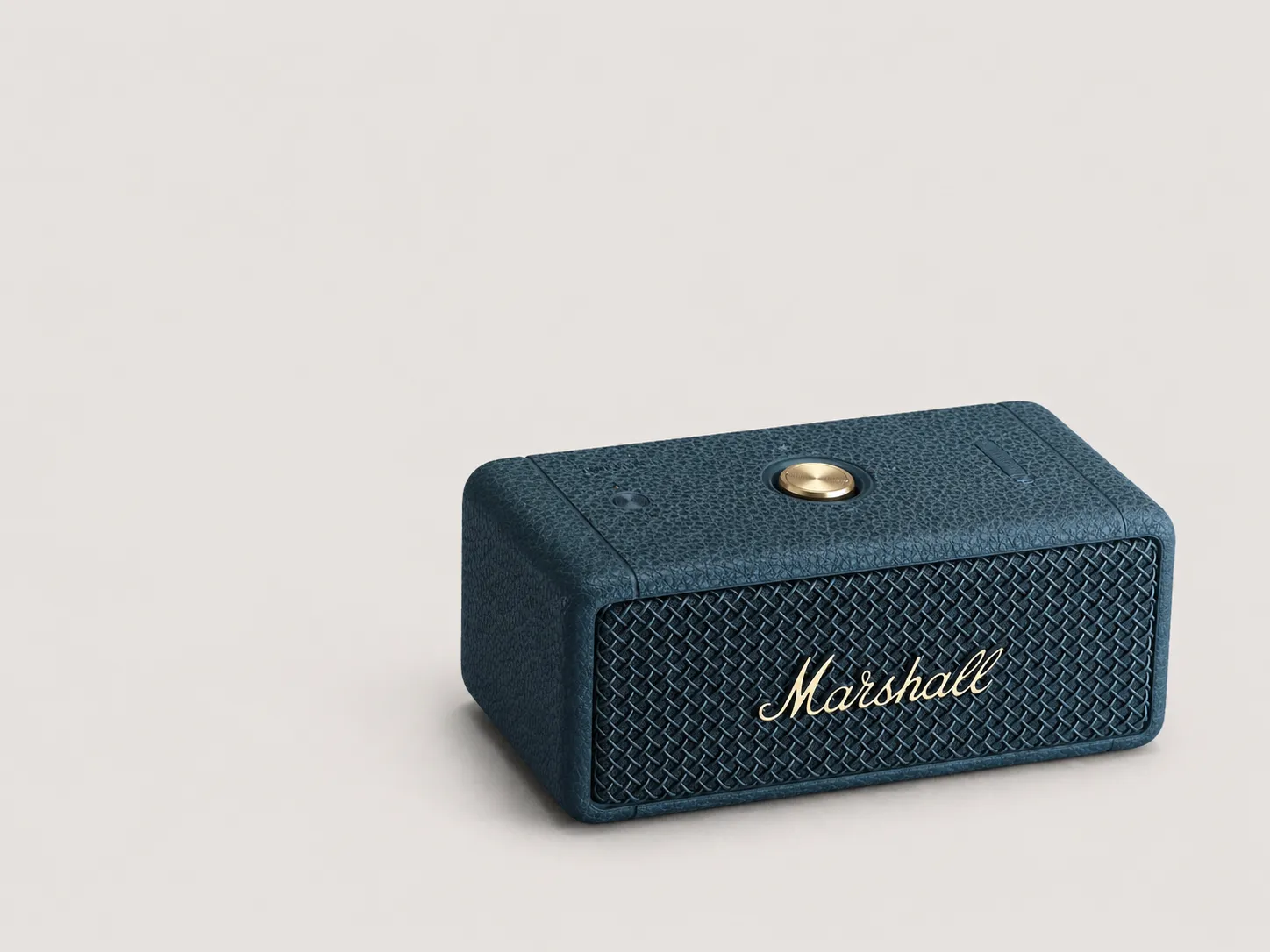
Highlight one product benefit with stronger composition, detail emphasis, and copy space.
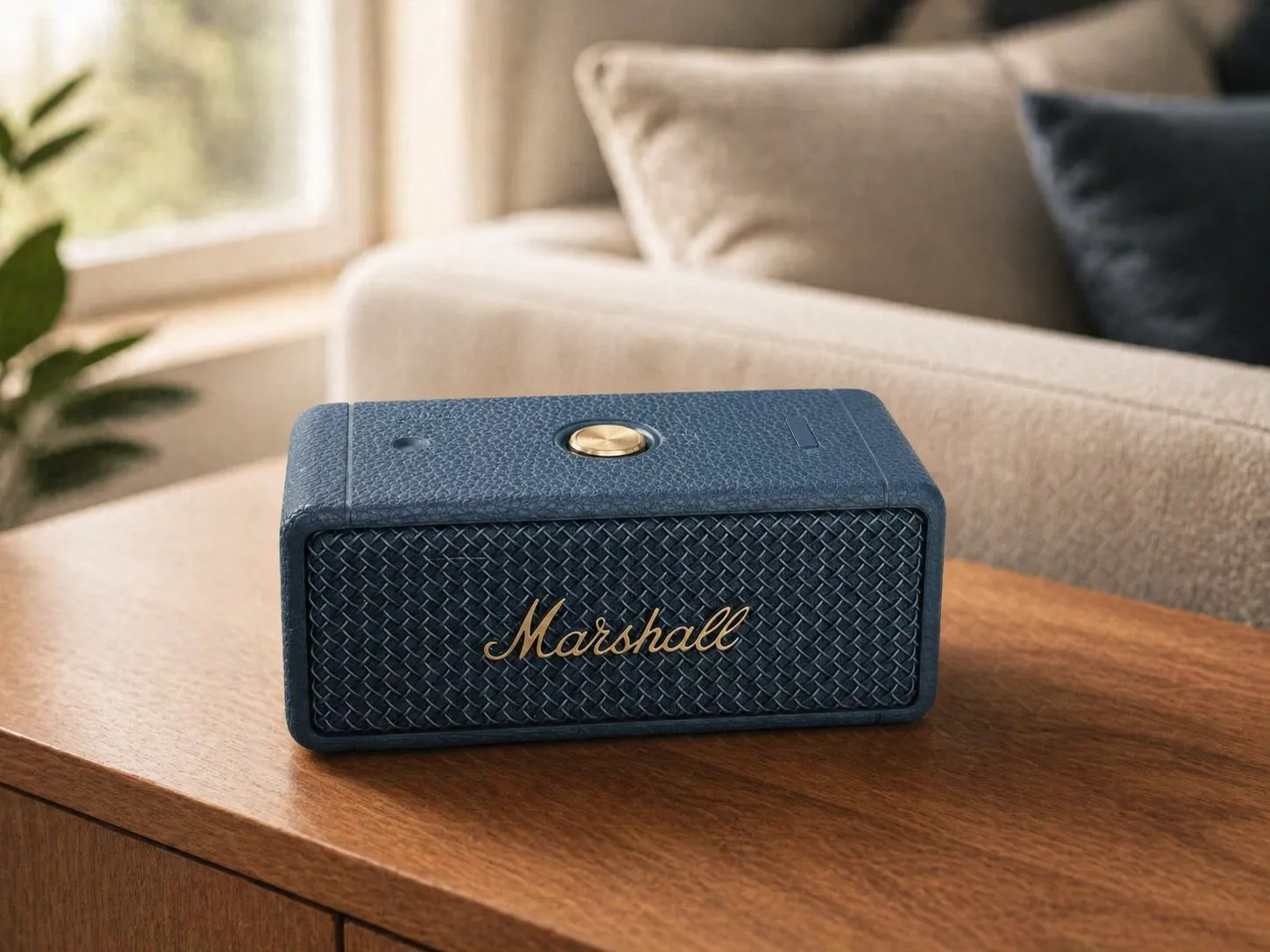
Place the product into believable environments for detail pages, ads, and social content.
A fixed 4-step flow keeps unnecessary operations out of the way.
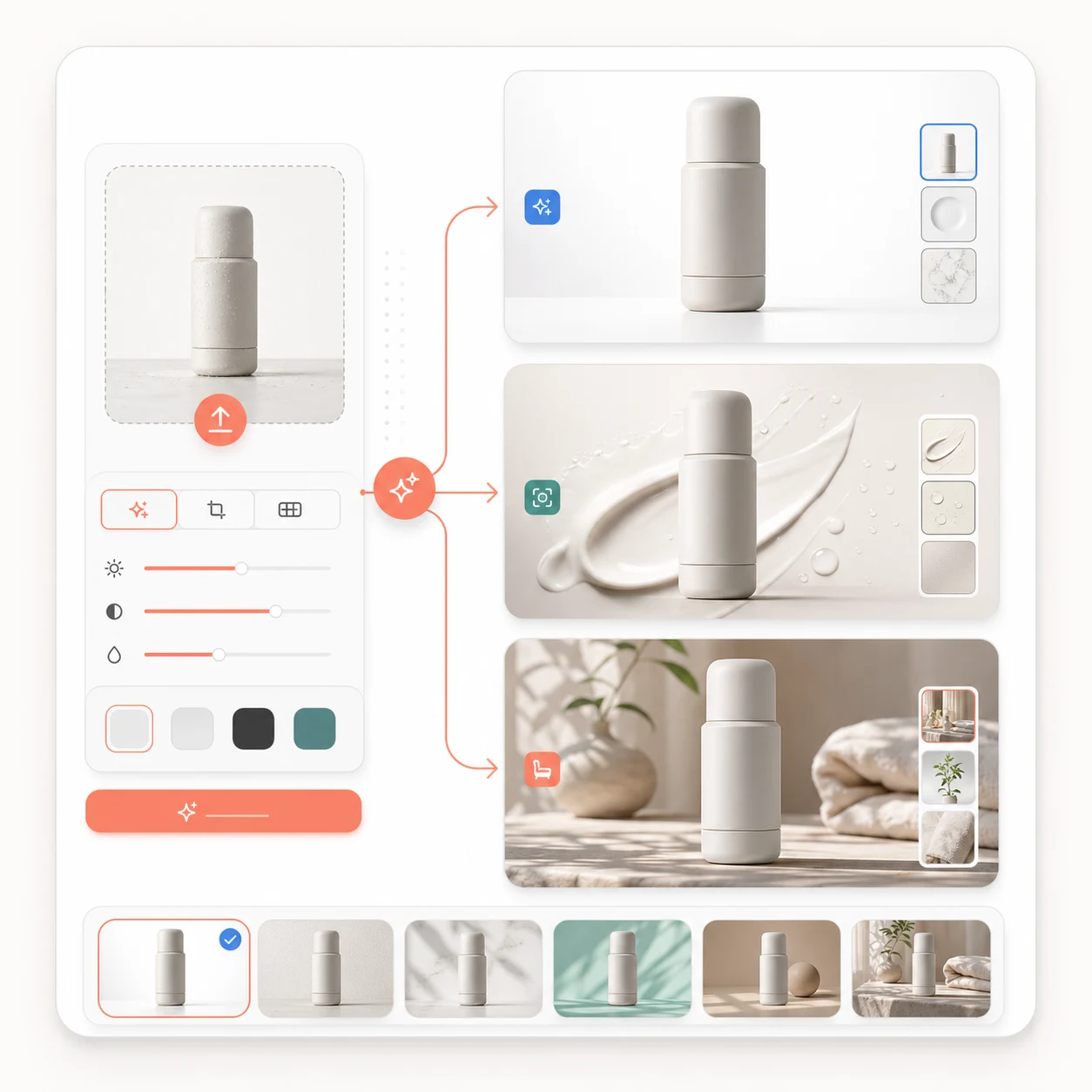
Instead of starting from a blank prompt, it turns the most common product image workflows into templates and lowers the interaction cost.
Every step reduces the number of decisions users need to make, so results get closer to usable faster.
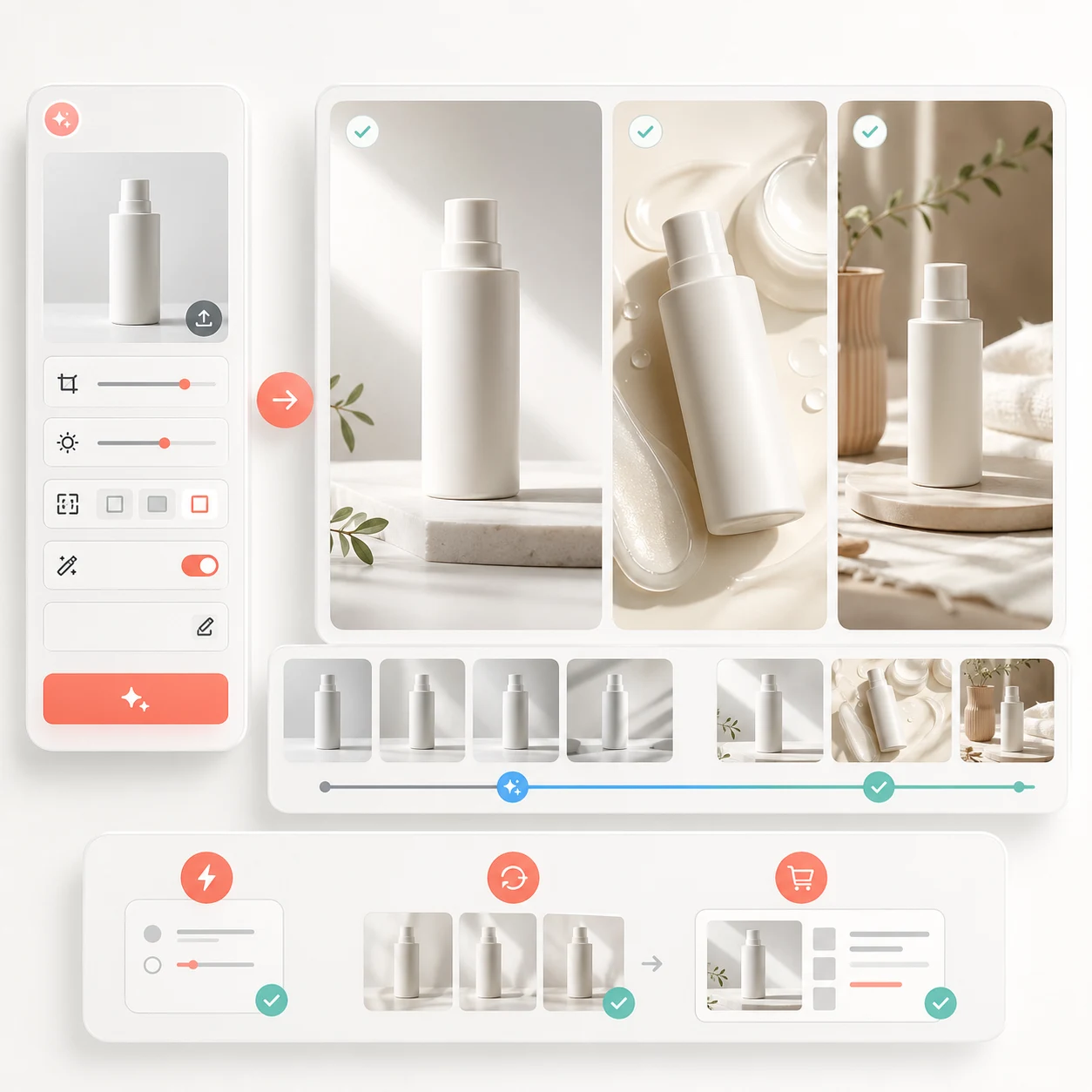
It is for ecommerce operators, independent store owners, brand content teams, and creators who need product visuals quickly.
Because generated text requires users to provide more information, the interaction is more complex. This capability will be added later.
Yes. Use additional notes for brand mood, color direction, material focus, lens feel, or other requirements.
You can currently use the AI Image Generator page for text-to-image generation.
This feature is in development and will be available soon.
Reduce prompt trial and error, and spend more time choosing results and continuing to refine.