AI Image Generator for Text to Image & Image to Image
Write a prompt, upload a reference, and let our image generator AI deliver print‑ready visuals. Swap between pro-grade models, control ratios, and export in seconds.
Supports text to image, image to image, style & ratio controls
Image Generator
Image Preview
Enter a prompt to start generating
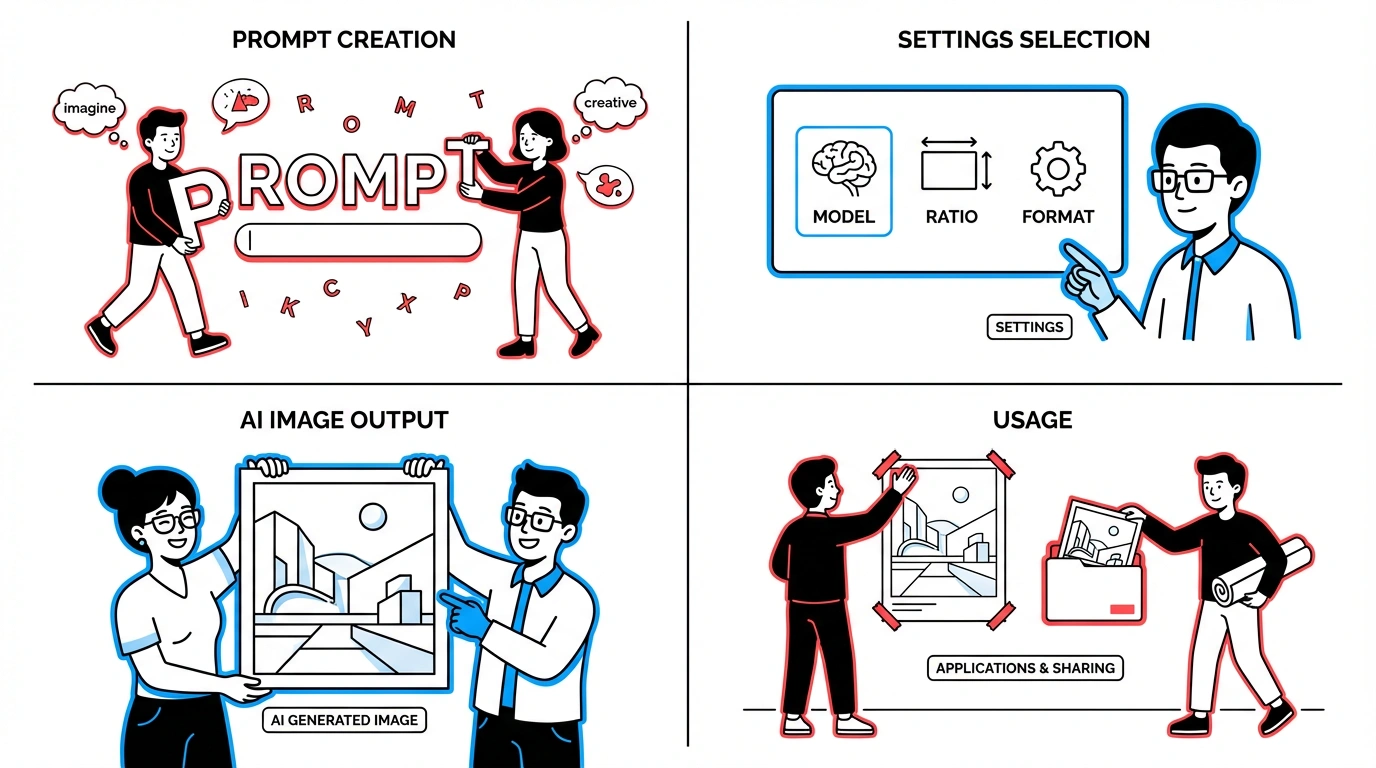
How to use the AI image generator
Create production-ready images in four simple steps.
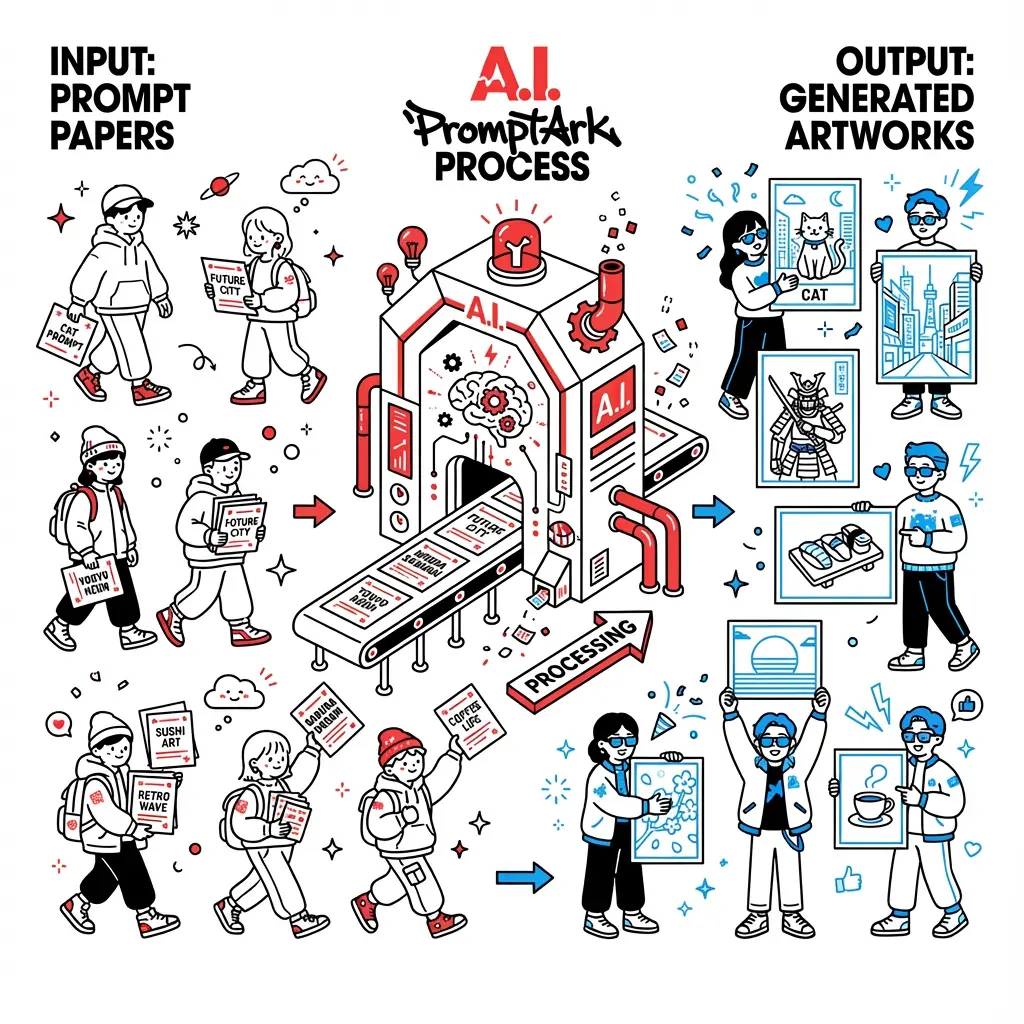
What is an AI Image Generator?
An AI image generator turns text or reference pictures into new images. Prompt Ark aggregates multiple image models so you can pick the one that best fits your style, detail level, and speed needs.
- Text to image in one clickConvert ideas into visuals with natural language. No design background required.
- Image to image remasteringUpload a reference to adjust lighting, style, or composition while keeping the core subject.
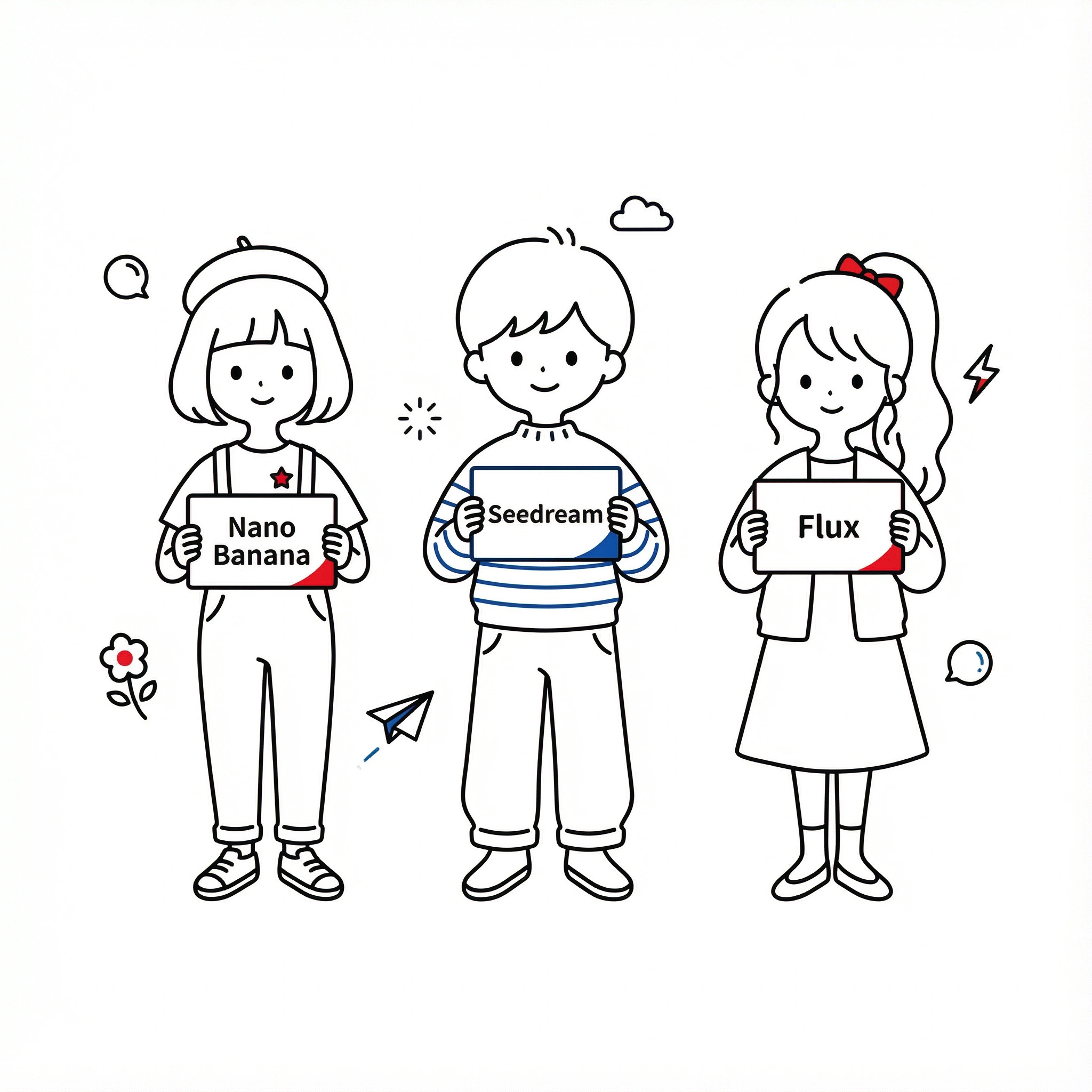
- Multiple AI modelsSwitch between Nano Banana Pro, Nano Banana to balance realism, speed, or artistic look.
Why creators choose AI Image Generator of Prompt Ark
Designed for marketers, product designers, and AI enthusiasts who need reliable, on-brand visuals fast.
Key features of our image generator AI
Everything you need to go from idea to on-brand visuals.
Text to image
Natural language to photorealistic, illustration, or product renders.
Image to image
Upload a base shot to restyle, upscale, or clean backgrounds while keeping structure.
Multiple latest AI image models
Access several up-to-date image models in one place and pick the best fit for realism, speed, or artistic style.
AI image generator FAQs
What models does AI Image Generator support?
You can generate with Nano Banana Pro and Nano Banana. More image models will be added as they become available.
Can I use image to image in AI Image Generator?
Yes. Upload a reference image, choose your style and ratio, and the model will follow the structure while updating style and lighting.
What file formats can I export?
Download in PNG, JPEG, or WebP. Choose square, portrait, or landscape ratios before generating.
Is there a free tier In AI Image Generator?
No. Upgrade for credits.
How are AI-generated images made?
The generator structures your text or reference image into model-ready instructions, sends them to models like Nano Banana Pro, SDXL, or Flux, and returns the rendered image in your chosen ratio and format.
Can I use the AI Image Generator for personal or commercial projects?
Yes. You can use generated images in personal and commercial work. Ensure your prompts and reference uploads do not infringe third-party rights or trademarks.
Who owns the copyright in AI-generated images?
You own the outputs you generate with AI Image Generator in Prompt Ark, subject to applicable law and any third-party materials you provide. Avoid uploading assets you don’t have rights to.
What is the best AI image generator?
It depends on your goal: Nano Banana Pro for product realism, SDXL for detail-rich scenes, Flux for cinematic mood. AI Image Generator lets you switch among them without changing workflow.
Can I use a reference image when generating images?
Yes. Use Image to Image: upload a reference, pick style and ratio, and the model will keep the composition while updating lighting, texture, and look.
Generate your next visual with AI
Switch between the best AI image models, keep brand consistency, and ship assets faster.